

Tuesday, July 7, 2026
  • Login
SB Crypto Guru News- latest crypto news, NFTs, DEFI, Web3, Metaverse
No Result
View All Result
  • HOME
  • BITCOIN
  • CRYPTO UPDATES
    • GENERAL
    • ALTCOINS
    • ETHEREUM
    • CRYPTO EXCHANGES
    • CRYPTO MINING
  • BLOCKCHAIN
  • NFT
  • DEFI
  • WEB3
  • METAVERSE
  • REGULATIONS
  • SCAM ALERT
  • ANALYSIS
CRYPTO MARKETCAP
  • HOME
  • BITCOIN
  • CRYPTO UPDATES
    • GENERAL
    • ALTCOINS
    • ETHEREUM
    • CRYPTO EXCHANGES
    • CRYPTO MINING
  • BLOCKCHAIN
  • NFT
  • DEFI
  • WEB3
  • METAVERSE
  • REGULATIONS
  • SCAM ALERT
  • ANALYSIS
No Result
View All Result
SB Crypto Guru News- latest crypto news, NFTs, DEFI, Web3, Metaverse
No Result
View All Result

Zashi & iCloud: Staying Private on iOS

by SB Crypto Guru News
May 16, 2025
in Altcoin
Reading Time: 3 mins read
0 0
A A
0


Zashi is built with privacy at its core. We don’t track your activity, profile you, or collect personal data. The only information we have access to is anonymized crash reports to help fix bugs and improve the app. Nothing else.

But Zashi doesn’t exist in a vacuum. Like any mobile app, Zashi runs on top of other systems—including your phone’s operating system and services like iCloud. And while we’ve designed Zashi to be privacy-preserving, some of the tools in your broader Apple ecosystem can unintentionally expose private data—unless you take certain steps.

This post will walk you through some of the potential privacy risks involved in using iCloud backup and what you can do to stay in control of your Zashi data.

iCloud Backup

By default, when you install an app like Zashi on your iPhone, it’s automatically included in your next iCloud backup if iCloud backup is enabled. That means unless you manually change your settings, your unencrypted Zashi transaction history and viewing keys will be backed up to Apple’s servers.

What You Can Do:

To disable iCloud backup for Zashi:

  1. Go to Settings > [your name] > iCloud > iCloud Backup
  2. Select your current device in All Device Backups
  3. Find Zashi and toggle it off.

Important: 

According to Apple’s documentation, when you turn off iCloud backup for a specific app, “it turns off iCloud Backup for that app and removes all of its information from iCloud.” Apple doesn’t specify how quickly app-level data is removed from iCloud. If you choose to disable backups for the entire device, they “are available for 180 days after you disable or stop using iCloud Backup.” Regardless, we recommend turning off the Zashi app backup after downloading Zashi, but before creating a wallet.

Advanced Data Protection

Apple also offers Advanced Data Protection, an optional setting that provides end-to-end encryption for your iCloud data—including backups. If you choose to keep iCloud Backup on, enabling this feature helps ensure that Apple cannot access your backup data, even if it’s stored on their servers.

What You Can Do:

To enable Advanced Data Protection:

  1. Go to Settings > [your name] > iCloud > Advanced Data Protection
  2. Follow the setup instructions, which will require enabling two-factor authentication and setting up account recovery options.

Important: 

Advanced Data Protection enables end-to-end encryption for app data moving forward, so we recommend enabling it before downloading Zashi. You can read more about ADP on Apple’s website. 

Final Thoughts

Zashi is committed to transparency and user education. We don’t just protect your privacy inside the app—we also want to help you understand and manage the broader privacy settings that affect your experience.

When you bring things to our attention—whether a question or concern—it helps us spot issues early and share helpful info with the community. We’re grateful for that. Thanks for helping us make Zashi better for everyone who cares about private, unstoppable money.

Shields up.


Source link

Tags: Bitcoin NewsCrypto NewsCrypto UpdatesiCloudiOSLatest News on CryptoPrivateSB Crypto Guru NewsstayingZashi
Previous Post

What’s more valuable: Bitcoin or teeth

Next Post

Refik Anadol’s Biome Lumina NFT Collection Hits New ATH

Related Posts

The Market Is Still Trading a Dip. The Curve Is Trading a Different Decade. — Cryptophia Research

The Market Is Still Trading a Dip. The Curve Is Trading a Different Decade. — Cryptophia Research

by SB Crypto Guru News
June 29, 2026
0

One week ago the debate was when the Fed would cut. Today Polymarket prices a 52% chance the Fed hikes...

Where RWA Flow Leaves Traces

Where RWA Flow Leaves Traces

by SB Crypto Guru News
June 29, 2026
0

When RWA trading becomes a clean service, which parts of the path stop being visible?The analogy I keep coming back to...

CryptoSuper Report #16 — June 2026

CryptoSuper Report #16 — June 2026

by SB Crypto Guru News
June 29, 2026
0

This report is not, and must not be considered as financial, investment, or legal advice. The author holds no positions...

Where RWA Exchange Risk Actually Sits

Where RWA Exchange Risk Actually Sits

by SB Crypto Guru News
June 29, 2026
0

When the venue becomes part of the product, which record is authoritative?When SpaceX listed on Nasdaq as SPCX in June...

€2,000,000 vs. €100,000: Why Renting Infrastructure Beats Building It Yourself

€2,000,000 vs. €100,000: Why Renting Infrastructure Beats Building It Yourself

by SB Crypto Guru News
June 29, 2026
0

I was recently lying by the pool on vacation when my bank started another “scheduled” system maintenance. The app went...

Load More
Next Post
Refik Anadol’s Biome Lumina NFT Collection Hits New ATH

Refik Anadol’s Biome Lumina NFT Collection Hits New ATH

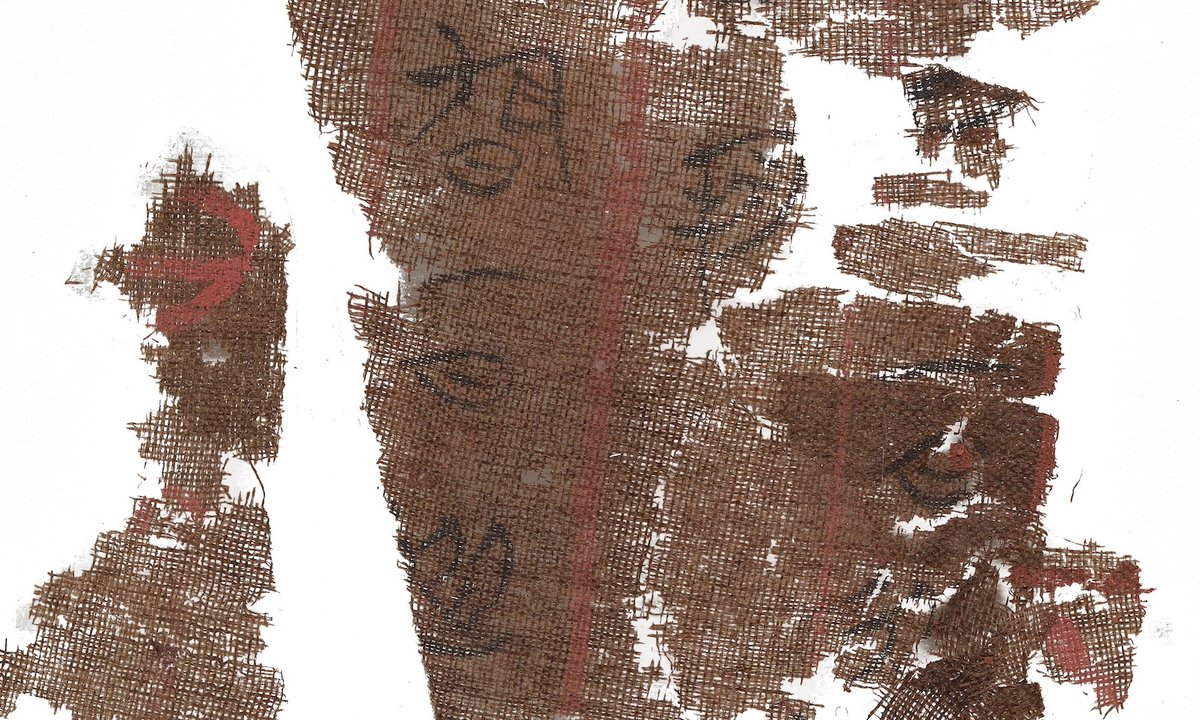
Smithsonian’s National Museum of Asian Art repatriates ancient silk manuscript to China

Smithsonian’s National Museum of Asian Art repatriates ancient silk manuscript to China

Facebook Twitter LinkedIn Tumblr RSS

CATEGORIES

  • Altcoin
  • Analysis
  • Bitcoin
  • Blockchain
  • Crypto Exchanges
  • Crypto Updates
  • DeFi
  • Ethereum
  • Metaverse
  • Mining
  • NFT
  • Regulations
  • Scam Alert
  • Uncategorized
  • Web3

SITE MAP

  • Disclaimer
  • Privacy Policy
  • DMCA
  • Cookie Privacy Policy
  • Terms and Conditions
  • Contact us

Copyright © 2022 - SB Crypto Guru News.
SB Crypto Guru News is not responsible for the content of external sites.

Welcome Back!

Login to your account below

Forgotten Password?

Retrieve your password

Please enter your username or email address to reset your password.

Log In
No Result
View All Result
  • HOME
  • BITCOIN
  • CRYPTO UPDATES
    • GENERAL
    • ALTCOINS
    • ETHEREUM
    • CRYPTO EXCHANGES
    • CRYPTO MINING
  • BLOCKCHAIN
  • NFT
  • DEFI
  • WEB3
  • METAVERSE
  • REGULATIONS
  • SCAM ALERT
  • ANALYSIS

Copyright © 2022 - SB Crypto Guru News.
SB Crypto Guru News is not responsible for the content of external sites.