You just sent some crypto and it hasn’t arrived. Your wallet says it’s gone, but the recipient sees nothing. Before you panic or contact support, there’s one place that will tell you exactly what happened: a block explorer.
Every transaction ever recorded on a blockchain network is publicly visible on a block explorer, in real time. Learning to read that on-chain data takes minutes—and it can save you a lot of frustration.
What Is a Block Explorer?
A block explorer is essentially a search engine for blockchains: an interface that lets anyone search, view, and interpret on-chain activity in real time. By pulling information directly from a full node, a block explorer presents raw blockchain data in a human-readable format. This includes a transaction’s status, a wallet’s holdings, or live network statistics. This transparency helps build trust, allowing anyone to independently verify any on-chain data they want.
Learn more: What Are Nodes in Crypto?
Technically speaking, a block explorer (or blockchain explorer) is a web-based interface that reads data directly from a blockchain node and displays it in a structured, searchable format. You can view thousands of blocks’ worth of transactions by clicking through a clean, searchable website. Since every verified event on a public blockchain is there permanently, block explorers serve as the window into that history, providing an accessible view of a network’s raw, decentralized database. This is the foundation of how an explorer helps you track transactions, network health, and address activity.
The Main Things a Block Explorer Helps You Find
Block explorers are the main entry point for blockchain analytics—letting you locate transactions, crypto wallet balances, and network activity. Here’s what blockchain explorers can help you find:
- Transactions.
A permanent on-chain record of value transfer or smart contract execution, covering amounts, timestamps, fees, and which wallets sent or received value. You can search by transaction ID to see a full breakdown. Block explorers translate raw transaction data into readable formats so you can check status, confirmation counts, and history without decoding anything manually. - Transaction hashes (TX hash).
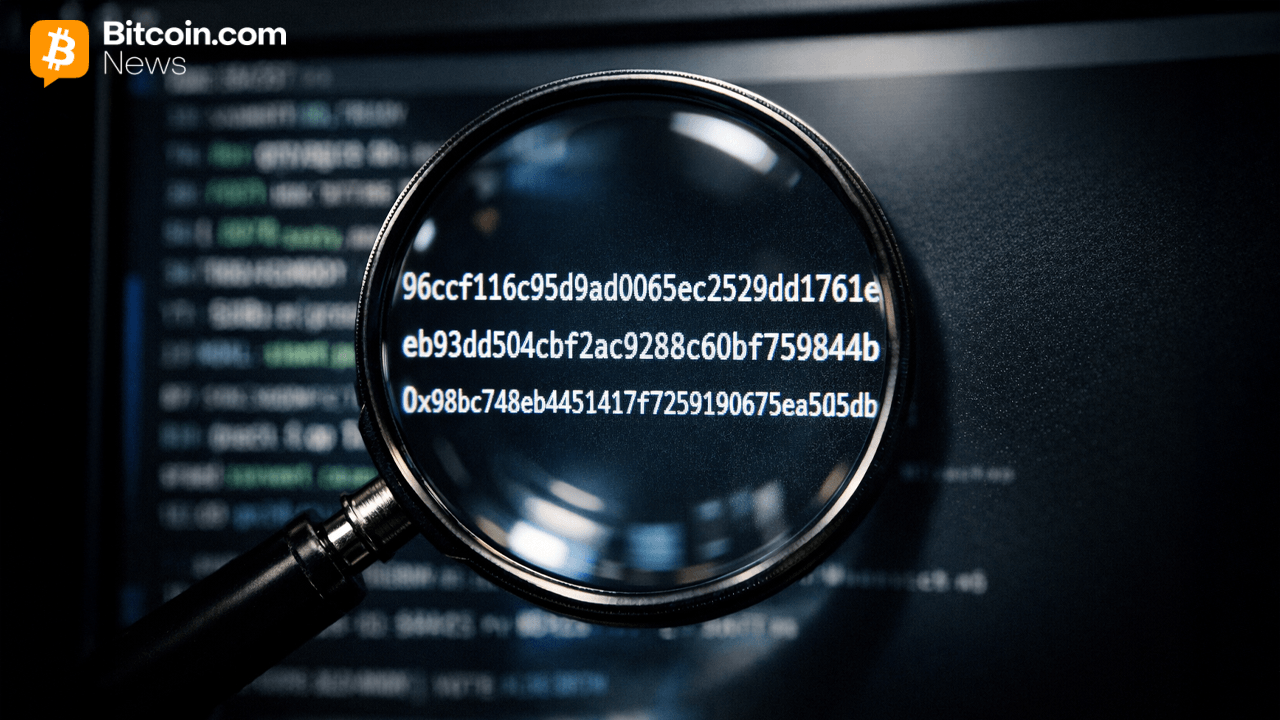
The unique cryptographic fingerprint assigned when a transaction is broadcast. Paste it into a block explorer to pull up the full transaction details: the wallet addresses involved, value transferred, and confirmation status. It’s the master key for tracking any crypto transaction. - Wallet addresses.
A wallet address is public account number anyone can use to send crypto or view past activity. Entering one into a block explorer shows complete transaction history, token holdings, and current balance. This data is public on most blockchains, but viewing it doesn’t grant any control over the funds. - Blocks.
A time-stamped, validated bundle of confirmed transactions linked back to the genesis block. Search by block number to see which transactions were included, how much space was used, and which validator processed it. - Confirmations.
A count of blocks added on top of the one containing your transaction. More confirmations mean greater finality and lower chance of reversal. On Bitcoin, one confirmation can take around 10 minutes, while faster networks can hit 12 confirmations in under a minute. - Gas fees / transaction fees.
The network fee paid to incentivize validators to include your transaction in a block—a competitive bid that fluctuates with demand. On Ethereum and EVM-compatible chains, gas fees are measured in gwei and vary by computational effort. Explorers display both average and exact transaction fees paid, helping you understand costs and network congestion.
Read more: Ethereum Gas & Transaction Fees Explained
How a Block Explorer Works Behind the Scenes
Explorers don’t verify or update blockchain records—they only report what’s already there. They connect to a blockchain node, either operated directly or via a third party, which feeds them a live stream of newly confirmed blocks, mempool transactions, and real-time updates. For a Bitcoin explorer, that raw data arrives as hex-encoded transactions, fees in satoshis, and input flags. These are machine-native formats that mean nothing to most users.
To bridge that gap, explorers translate raw blockchain data into labeled, human-readable dashboards: wallet addresses, confirmation counts, gas fees, and block details all become organized and searchable. For smart contract data, they decode logs and contract events to show who sent what, which tokens moved, and what state changes occurred—with some explorers also surfacing stats like holder distribution or potential token risks.

How to Get Free Crypto
Simple tricks to build a profitable portfolio at zero cost

Why People Use Block Explorers in Real Life
Block explorers give public blockchains the transparency they promise, letting you (or anybody) confirm, verify, and cross-check transactions without relying on a third party. Here are five practical reasons explorers remain essential for crypto users:
- Checking whether a payment was really sent.
Search by transaction hash to confirm amounts, timestamps, and addresses. Verify that sender and recipient details match expectations, check the transaction status, and make sure you’re using the correct network explorer. For unconfirmed Bitcoin transactions, you can also monitor the mempool directly.
Read more: What Is a Mempool?
- Seeing whether a transaction is pending, confirmed, or failed.
Block explorers show real-time transaction status: pending means broadcast but not yet in a block, confirmed means included and accumulating confirmations, and failed means it didn’t execute—often due to insufficient gas or a smart contract error. Confirmation status fields display both the label and count for granular detail. - Looking up wallet balances and activity.
Enter any wallet address to see its full transaction history, native and token balances, token holdings with quantities, and patterns of activity such as contract or exchange interactions. Importantly, although all this on-chain data is public, viewing it grants you no control over the funds. - Reviewing fees and timing.
Explorers reveal exact transaction fees paid for any on-chain action, letting you compare gas fees during network congestion, review average transaction fees for planning, and see how transaction volume affects confirmation speed. Use the transaction hash to find exact fees for accounting purposes. - Double-checking contract and token activity.
Explorers let you verify the official contract address of a token or protocol, review token transfer logs, check whether smart contract source code has been verified, and monitor DEX swap events. Always confirm contract addresses directly—token symbols alone can be spoofed by scam deployments.
How to Use a Block Explorer Step by Step
Public blockchains each have dedicated explorers. Bitcoin uses tools like Mempool.space and Blockstream.info, Ethereum uses Etherscan, and so on. Here’s how to use them:
1. Choose the Explorer for Your Blockchain
Select an explorer matching your blockchain, such as Blockstream.info for Bitcoin, Etherscan for Ethereum, or BscScan for BNB Smart Chain. For less common chains, look for an Etherscan-style deployment. Confirm your network to avoid searching in the wrong place.
2. Paste a TX Hash, Wallet Address, or Block Number
Find the explorer’s search bar. Copy and paste the transaction hash, address, or block number, then press enter. The explorer will instantly return the matching data—or nothing, if there’s a typo or network mismatch.
3. Ignore Clutter, Find Key Fields
Explorer pages show a lot of data. Focus first on core sections: transaction details (status, hash, timestamp, fee), address info (sender and receiver), and block details (which block included the transaction). The rest is usually optional for beginners.
4. Check Status, Confirmations, Sender, Receiver, and Fee
Read the essential transaction fields: status (confirmed, pending, failed), confirmation count, timestamp, sender and recipient addresses, amount, fees, and block number. This gives you the full transaction history and outcome.
5. Troubleshoot Using Page Details
Explorers display confirmation counts, addresses, fees, and more, all on one page. Use this to identify delays, failed transactions, or any issues. Sometimes low fees cause pending status, and failed transactions can still incur fees. Reviewing the data helps determine causes and necessary actions.
How to Read a Transaction Page Without Feeling Lost
Here’s a checklist for any block explorer transaction page:
- Check the transaction status: Confirmed, Pending, or Failed.
- Make sure you’re on the correct blockchain.
- Verify that the transaction hash matches your record.
- Check the timestamp for timing.
- Confirm sender and recipient wallet addresses.
- Review the value transferred.
- Inspect transaction or gas fees paid.
- Check the confirmation count.
- Note the block number.
- Review logs or contract interactions if present.
Block Explorer vs. Wallet vs. Exchange
Understanding the differences between block explorers, wallets, and exchanges helps clarify what each tool is used for:
| Feature | Block Explorer | Wallet Software | Crypto Exchange |
| Purpose | Search and view on-chain data | Manage private keys and sign transactions | Buy, sell, and trade crypto |
| Data shown | Full blockchain records | Transaction history and balances for owned addresses | Account balances and order history (not always on-chain) |
| Controls keys | No | Yes (self-custody only) | No (exchange holds the keys) |
| Typical actions | Look up anything (read-only) | Send, receive, sign | Buy, sell, deposit, withdraw |
| Data source | Reads directly from the blockchain | Submits transactions to the blockchain | May process transfers internally before settling on-chain |
Read more: Crypto Exchange vs. Wallet: What’s the Difference?
A Real Example: “I Sent Crypto and It Hasn’t Arrived Yet”
When crypto is missing, a block explorer should be your first stop. Still, you need to know its limits. It shows the current on-chain state and cannot cancel, reverse, or refund anything. Here’s a quick troubleshooting guide:
- Start with the TX hash.
Find the transaction hash in your wallet or exchange withdrawal details. Paste it into the right blockchain explorer. - Check whether the transaction exists on-chain.
If the explorer shows your hash, the transaction was broadcast. If not, common reasons are network mismatch, the transaction was not broadcast, or it’s still on the exchange. - Look at confirmations and fee level.
If the transaction appears but isn’t confirmed, check the fee level: low fees mean longer waits. Insufficient gas can cause outright failure on EVM chains. Network congestion can delay confirmations. Use the count to judge if it’s processing or failed. - Confirm the receiving address and network.
Verify that recipient addresses match your intended destination. Ensure the platform supports the network used, since sending BNB Smart Chain assets to an Ethereum-only address means your funds appear on-chain but are inaccessible. Also remember that block explorer data is public, and anyone can see address balances and history. - Decide when to wait or contact support.
If confirmation counts are increasing, wait. If the transaction is stuck with no movement and value is significant, document all explorer page details before contacting support: transaction hash, status, fee, addresses, and timestamp.
Popular Block Explorers You’ll Run Into
- Etherscan: The top Ethereum block explorer. It shows history, transfers, contract data, and gas fees.
- BscScan: The leading explorer for BNB Smart Chain, with a familiar interface for EVM users.
- Solscan: The go-to explorer for the Solana blockchain, covering transactions, token transfers, and program interactions.
- XRPScan: The leading explorer for the XRP Ledger, with a focus on account details, trust lines, and network health.
- Blockstream.info and Mempool.space: Key options for Bitcoin. Mempool.space is great for tracking unconfirmed transactions and live fee estimates.
- Cross-chain/multi-chain explorers: These aggregate multiple blockchains, but chain-specific explorers tend to offer better data.
Common Mistakes and Red Flags
Avoid these common missteps when using a blockchain explorer:
- Searching the wrong network.
Always check you’re on the right blockchain. - Confusing TX hashes with internal exchange IDs.
Only chain transaction hashes work in explorers. - Pasting contract addresses instead of wallet addresses.
Contract pages show different data. - Scam support asking for private keys.
Block explorers will never need your keys. Only manage them in your own wallet. - Misreading transaction costs.
Confirm fees on explorers before sending, especially in busy periods.
Final Thoughts
Block explorers aren’t just for developers or power users. Anyone who moves crypto and wants to know what’s actually happening on-chain should know how to use one. Once you’ve used one to track a transaction or check a wallet balance, it becomes second nature.
Bookmark the right explorer for your blockchain, learn the handful of fields that matter, and you’ll never have to take anyone’s word for what’s happening to your crypto again.
FAQ
Is a block explorer the same as a wallet?
No. A block explorer is read-only and cannot move funds or manage private keys—only wallet software can do that.
Can anyone see my wallet address activity?
Yes. Blockchain transparency means anyone who knows your wallet address can view its full history and balances, though no real-world identity is attached to it.
What does “pending” actually mean?
It means your transaction has been broadcast to the network but hasn’t been included in a block yet, usually due to network demand or a low fee.
Why does my wallet app say something different?
Wallet apps can show cached or internal data. Explorer data is read directly from the blockchain and is generally more authoritative.
Which explorer should I use for my coin?
Use the block explorer that matches your blockchain: Etherscan for Ethereum and EVM networks, BscScan for BNB Smart Chain, and Blockstream.info or Mempool.space for Bitcoin.
Disclaimer: Please note that the contents of this article are not financial or investing advice. The information provided in this article is the author’s opinion only and should not be considered as offering trading or investing recommendations. We do not make any warranties about the completeness, reliability and accuracy of this information. The cryptocurrency market suffers from high volatility and occasional arbitrary movements. Any investor, trader, or regular crypto users should research multiple viewpoints and be familiar with all local regulations before committing to an investment.